Community Management Software: The Complete Guide to Organizing Modern Organizations
Table of Contents
Running a modern community requires more than good intentions and a strong mission. It requires a system. Community management software is the category of tools designed specifically to give organizations that system, bringing together the people, programs, and processes that make a community function.
For organizations that have been managing their communities with a mix of general-purpose tools, the concept of purpose-built community management software can seem both appealing and overwhelming. Understanding what it actually includes and how it works makes the decision significantly clearer.
This guide covers what community management software is, how it differs from the alternatives, what to look for, and who benefits most from using it.
What Is Community Management Software
Community management software is a category of technology designed to help organizations manage their member base, coordinate events, communicate with members, and track engagement from a centralized platform.
Unlike general-purpose productivity tools, community management software is built specifically for organizations that rely on member relationships. The features within the platform are designed around the needs of associations, nonprofits, universities, and similar entities rather than adapted from tools built for other purposes.
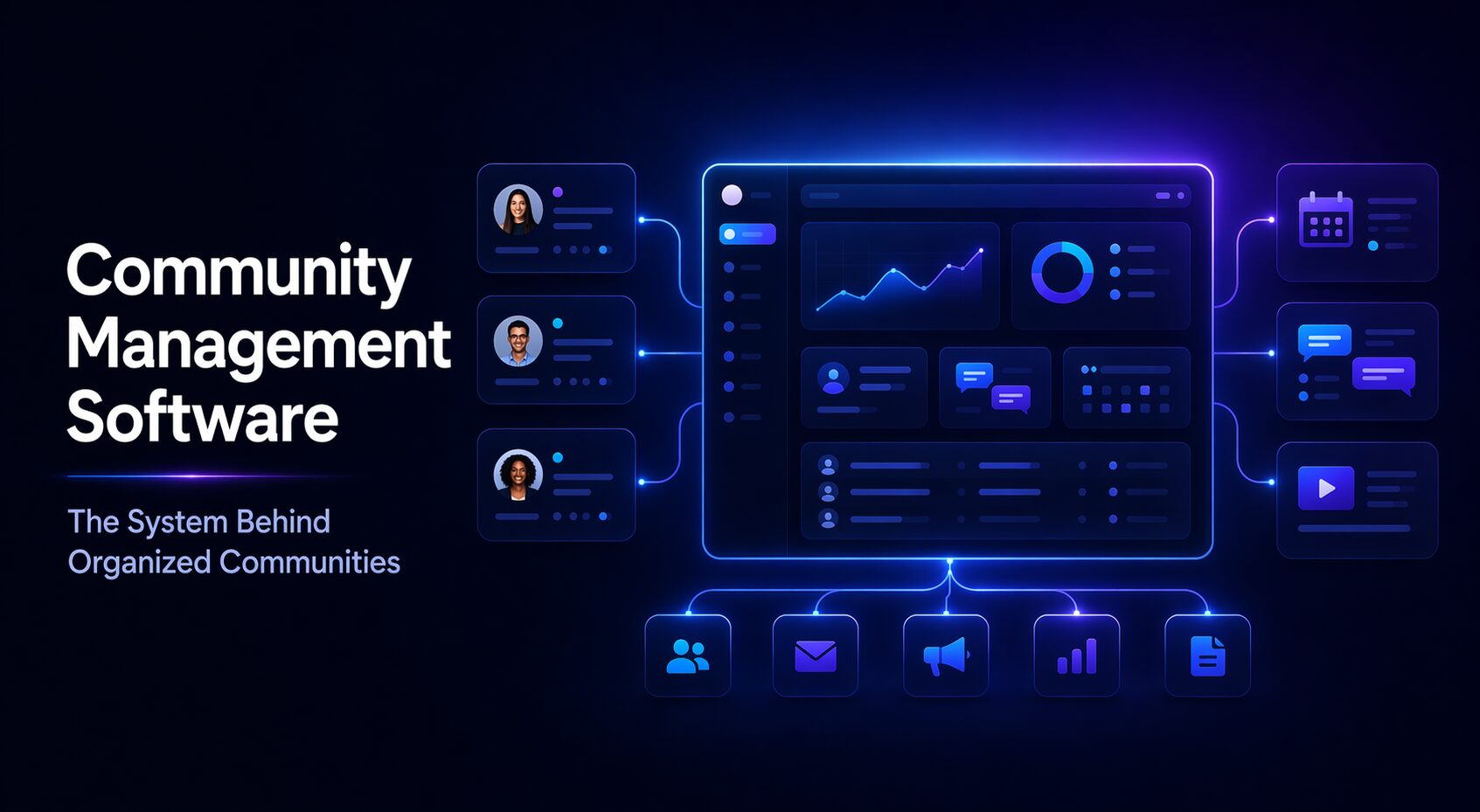
The software typically combines member management, event coordination, communication, and reporting into one system, reducing the need to maintain separate subscriptions and move data between platforms.
How Community Management Software Works
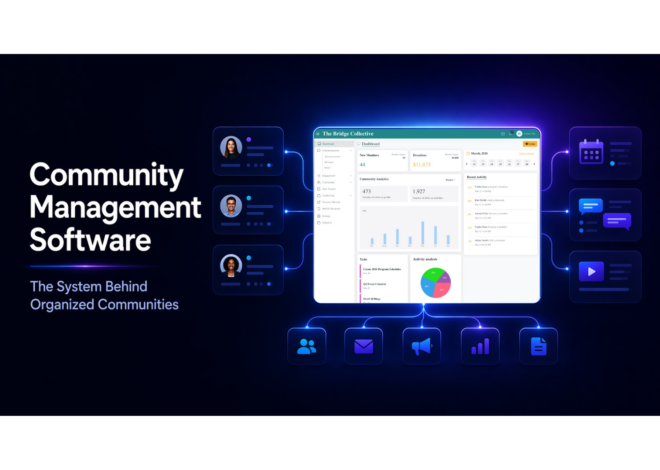
Community management software operates through a central database that serves as the source of truth for all member information. Every other function in the platform connects to this database, creating a unified record of member activity.
When staff update a member profile, run an event, send a communication, or generate a report, they are all working within the same system. This eliminates the version-control problems that arise when member data is stored in multiple locations.
Members interact with the platform through a dedicated community space that the organization controls. They can access content, register for events, update their profiles, and communicate with other members, all within an environment branded to match the organization’s identity.
Community Management Software vs. General-Purpose Tools
Many organizations begin managing their communities with tools that were not built for community management at all. Spreadsheets for member lists, email platforms for communication, and social media groups for connection are common starting points.
These tools are accessible and familiar, but they create significant limitations as a community grows. Data becomes fragmented, communication lacks personalization, and the member experience across different channels feels disconnected.
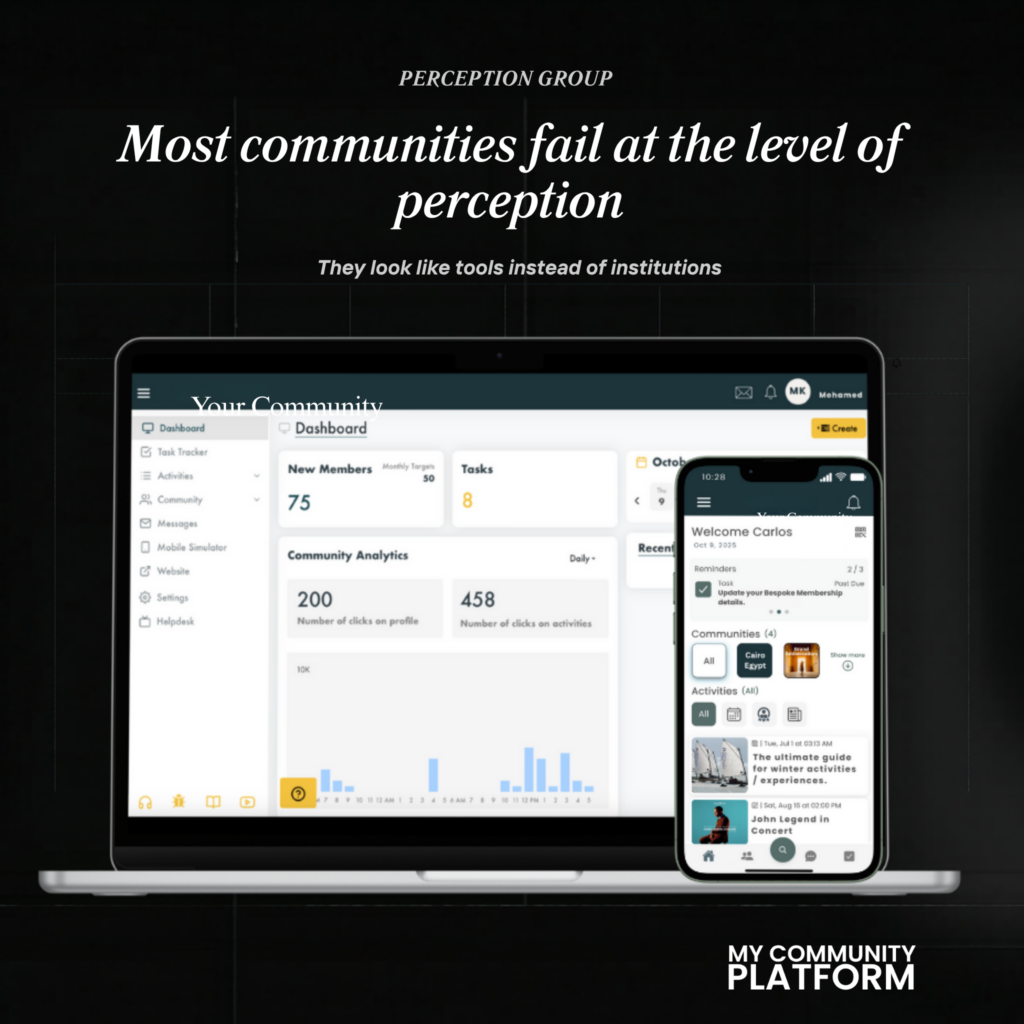
Community management software addresses these gaps by providing a single platform designed specifically for the needs of a membership-based organization. The tools work together because they were built to work together.
Community Management Software vs. CRM Platforms
Customer relationship management platforms are sometimes considered as alternatives to community management software. CRM tools are powerful for sales pipelines and customer data, but they are not designed for the operational model of a membership organization.
Community management requires features like event management, content access control, chapter structure, and member directories that most CRM platforms do not offer without significant customization.
Purpose-built community management software provides these capabilities out of the box, which means organizations can launch and operate without the configuration work and ongoing maintenance that CRM customization typically demands.
Key Features of Community Management Software
Community management software is built around the full lifecycle of the member relationship, from initial onboarding through long-term retention.
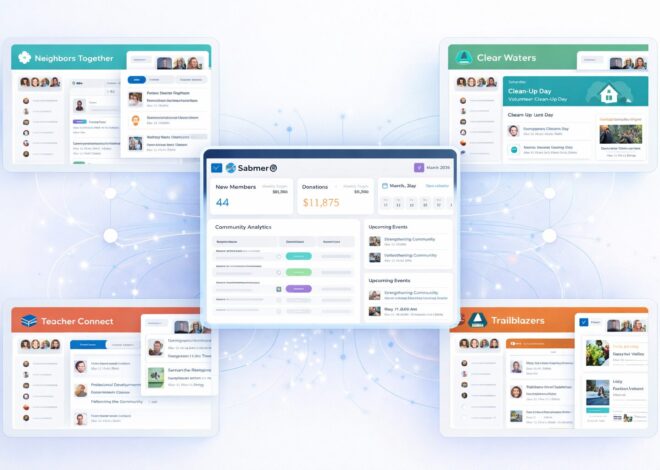
Core features include member profile management, which allows organizations to maintain detailed records of each member’s contact information, engagement history, and membership status. Event management tools allow organizations to create and promote events, accept registrations, and track attendance within the platform.
Communication features enable organizations to send targeted messages to all members or specific segments. Content management tools provide a space for exclusive resources and educational materials. Analytics and reporting give leadership visibility into how the community is performing across all key metrics.
Who Uses Community Management Software
Community management software is used by organizations across sectors that share a common need: sustained, structured engagement with a defined member base.
Associations use it to manage professional development programs, coordinate events, and maintain communication with members across industries. Nonprofits use it to coordinate volunteers, manage donor relationships, and deliver programs. Universities use it to engage students during enrollment and maintain alumni relationships afterward.
Chambers of commerce and business networks also rely on community management software to support local members, coordinate networking events, and track participation across a geographically distributed membership.
Benefits of Community Management Software
The most immediate benefit of community management software is operational clarity. When everything is in one system, staff spend less time searching for information, reconciling data, or maintaining multiple tools.
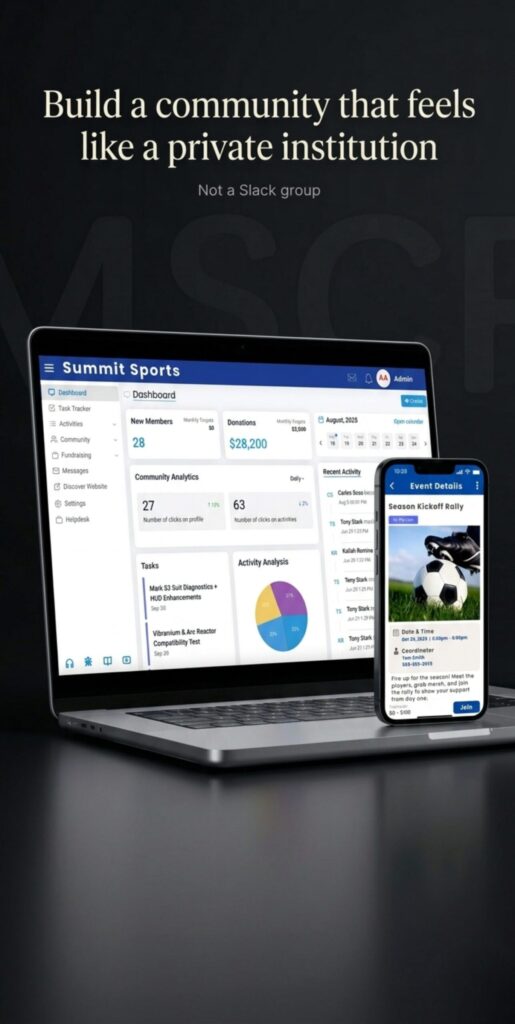
Member experience improves as well. A consistent, branded environment gives members confidence that the organization is professional and well-organized. Access to events, resources, and communication through a single platform increases the perceived value of membership.
Over time, the data collected by the platform becomes one of the organization’s most valuable assets. Engagement history, event participation, and communication records provide insight that helps leadership make better decisions about programs, pricing, and member experience.
How to Choose the Right Community Management Software
Selecting community management software begins with an honest evaluation of what the organization currently does and what it needs the software to do differently.
Consider the breadth of features offered. The platform should handle the core functions without requiring additional tools or integrations. Also evaluate the quality of the member-facing experience, since members will form their impression of the organization partly through how the platform looks and operates.
Scalability is critical for growing organizations. The platform should support more members, more events, and greater complexity without requiring a software change. Finally, evaluate the level of support provided, since implementation quality often determines whether a platform delivers its full potential.
Final Thoughts
Community management software is not a luxury for large organizations. It is the operational foundation that allows any organization, regardless of size, to manage its community with clarity, consistency, and efficiency.
The organizations that invest in purpose-built software rather than adapting general tools find it significantly easier to grow their membership, retain members over time, and deliver the kind of experience that makes participation feel worthwhile. Choosing the right software is one of the highest-leverage decisions a community-focused organization can make.
Where to Go From Here
If your organization is managing members, events, and communication across multiple platforms, the question is not whether consolidation would help — it is how much potential the current approach is leaving on the table.
The true cost of fragmented tools is not always visible in a single line of the budget. It shows up in staff hours, member confusion, inconsistent experiences, and engagement that never quite reaches its potential.
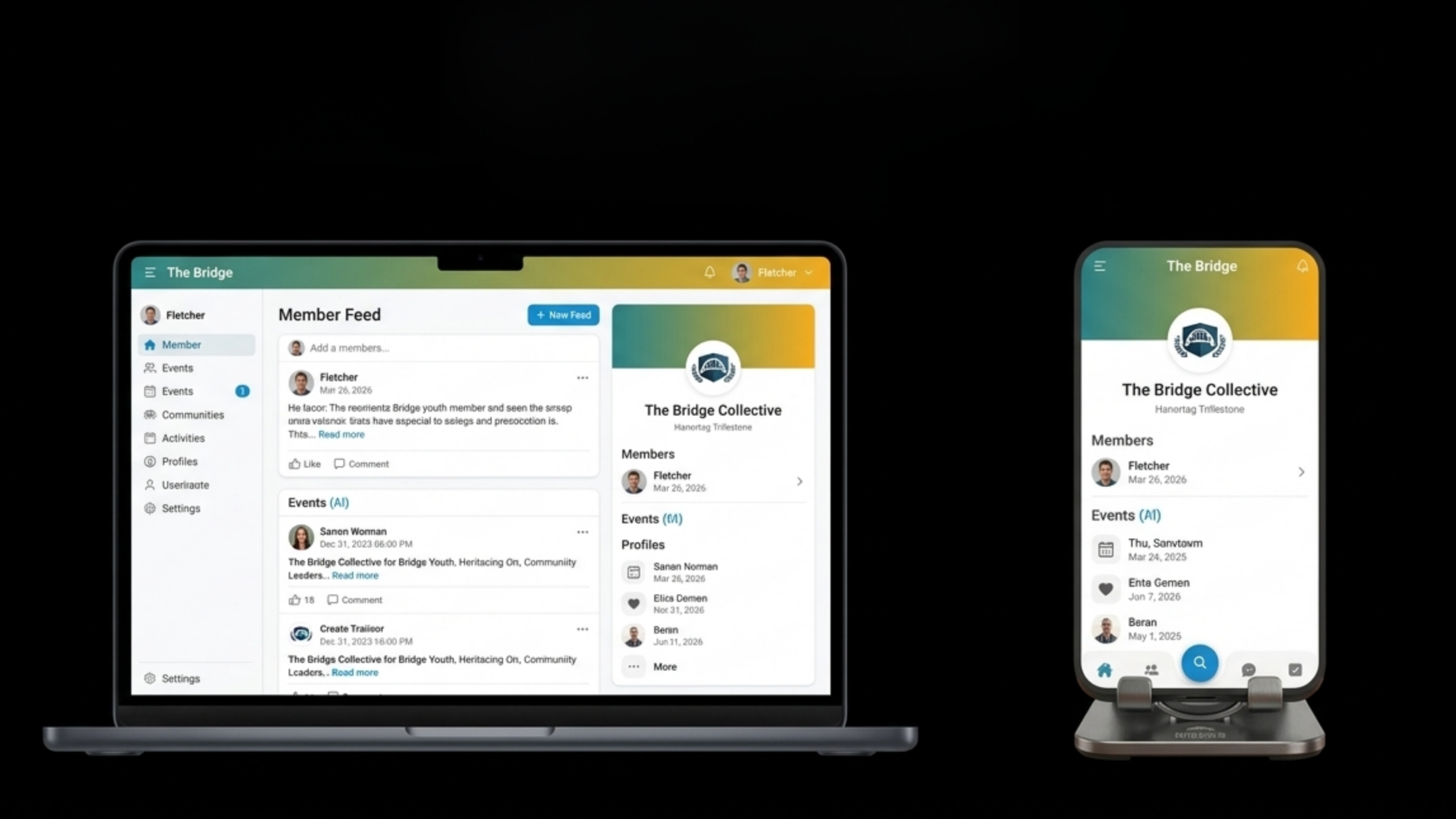
My Community Platform gives organizations a purpose-built, fully branded environment for community management. Members, events, communication, and analytics all connect within one system designed to simplify operations and increase engagement.
Frequently Asked Questions
What is community management software in simple terms?
Community management software is a platform designed to help organizations manage their member base, coordinate events, communicate with members, and track engagement from a single centralized system. It is built specifically for membership-based organizations rather than adapted from general-purpose tools.
Is community management software the same as a CRM?
No. A CRM is designed for sales pipelines and customer data. Community management software is designed for membership organizations and includes features like event management, content access control, member directories, and chapter structures that most CRMs do not offer without significant customization.
What types of organizations use community management software?
Associations, nonprofits, universities, chambers of commerce, and any organization that depends on sustained member relationships. The software is equally valuable for small organizations and large ones, since the core need — consistent, structured engagement — is universal.
What is the most important feature to look for in community management software?
Centralization. The platform should bring member management, communication, event coordination, and reporting into one system. When these functions are separated across different tools, the organization spends more time managing software than building the community.
How long does it take to implement community management software?
Implementation timelines vary by platform and organization, but purpose-built solutions designed for non-technical teams can typically be configured and launched in weeks rather than months. This is significantly faster than custom-built alternatives.
Why should an organization switch from its current tools to community management software?
Most organizations switch when the cost of fragmentation becomes clear — in staff time, member confusion, and missed engagement opportunities. A purpose-built platform consolidates these functions, reduces operational overhead, and creates a more consistent experience for members.